Track Who Shows Up with Session Attendance
Mark attendance per athlete, view rates over time, and let the AI coach factor participation into training recommendations.
 Planner.coach Team
What's New
Planner.coach now lets you track attendance for every session. Mark each athlete as present, late, absent, injured, or excused — then see attendance rates on athlete profiles, list dashboards, and inside the AI coach.
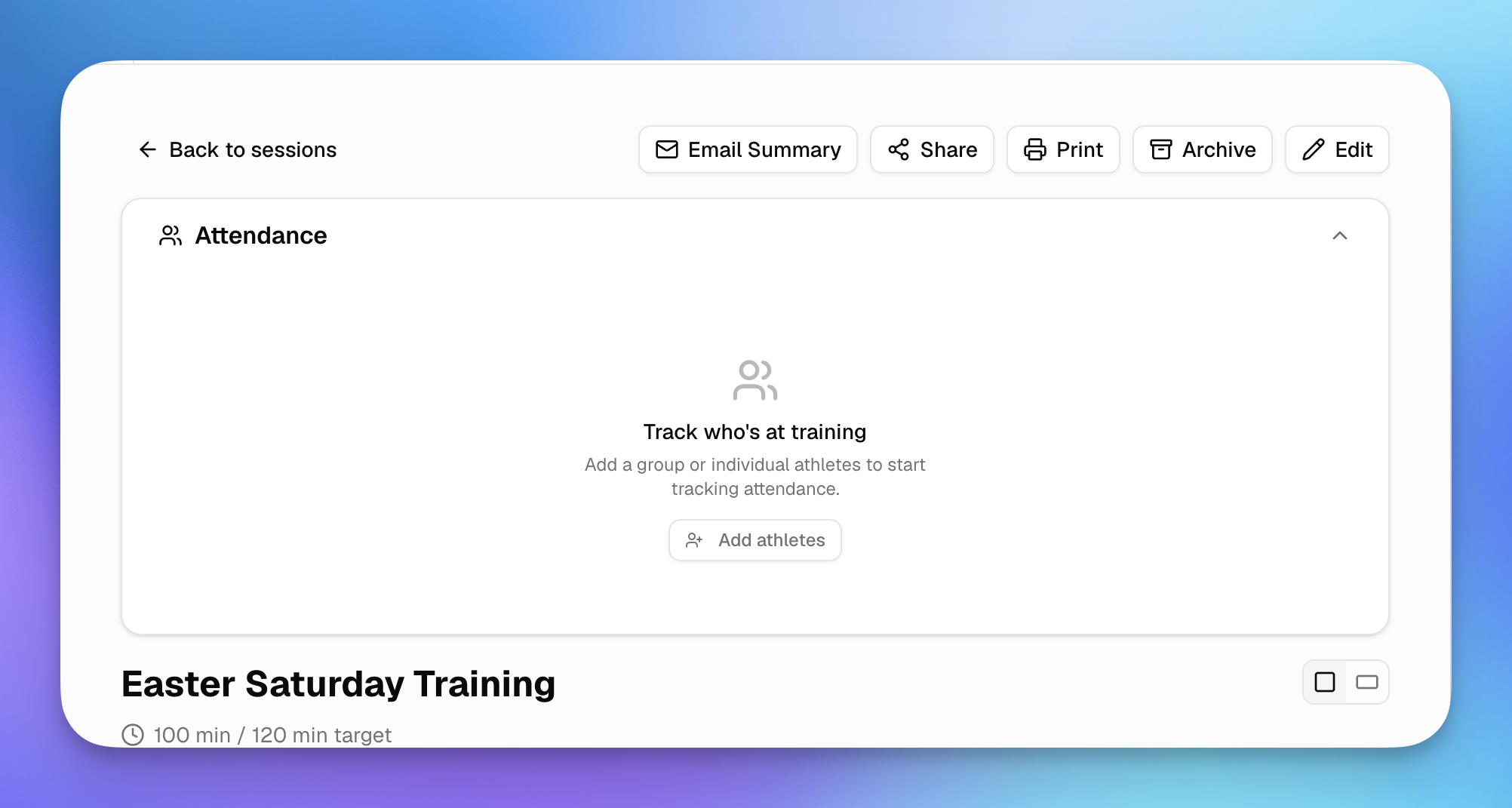
The attendance panel appears on every session detail page. If you've linked a list to the session, the roster auto-populates so you can start marking with one tap.
Why It Matters
Knowing who turns up to training is one of the most basic — and most useful — data points a coach can track. Attendance trends tell you who's committed, who might be burning out, and which athletes need catch-up work after missing sessions.
Until now, tracking this meant a clipboard or a spreadsheet that lived outside your coaching workflow. With attendance built directly into your session pages, the data stays connected to the rest of your planning and shows up where you need it.
How to Use It
Mark Attendance
Open any session and scroll to the Attendance panel. You'll see your roster with five status options per athlete:
- Present — at training
- Late — arrived after the start
- Absent — didn't attend
- Injured — unable to participate
- Excused — pre-arranged absence
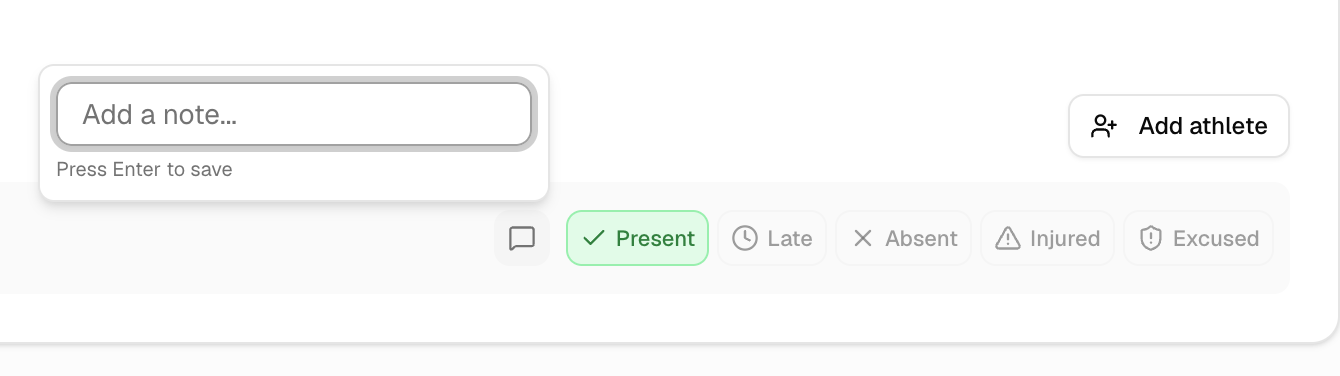
Use Mark all present to quickly fill in the roster, then adjust individual athletes as needed. You can also add notes to any attendance record — useful for recording injury details or reasons for absence.
Auto-Roster from Lists
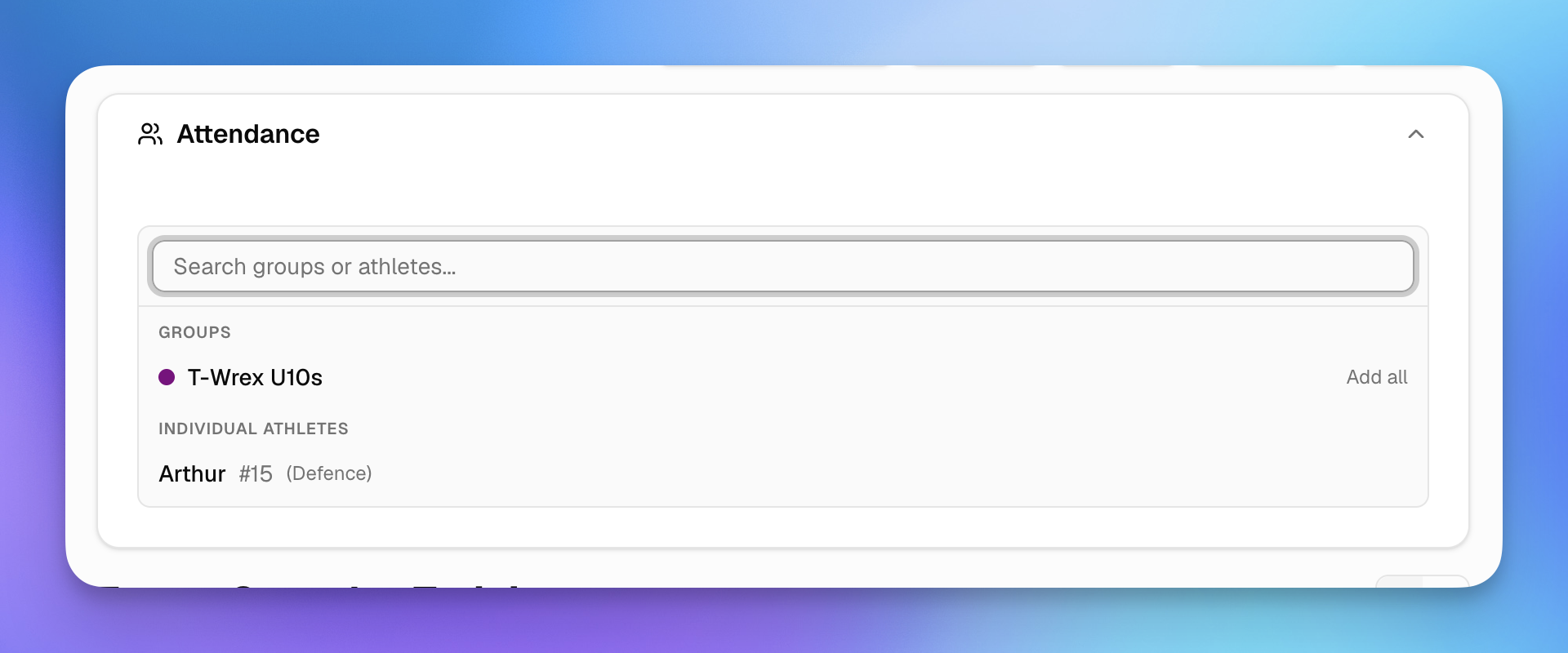
If your session belongs to a session group that's linked to a list, the roster is populated automatically. No need to add athletes one by one.
You can still add individual athletes or pull in an entire list manually using the Add athlete button.
View Attendance Rates
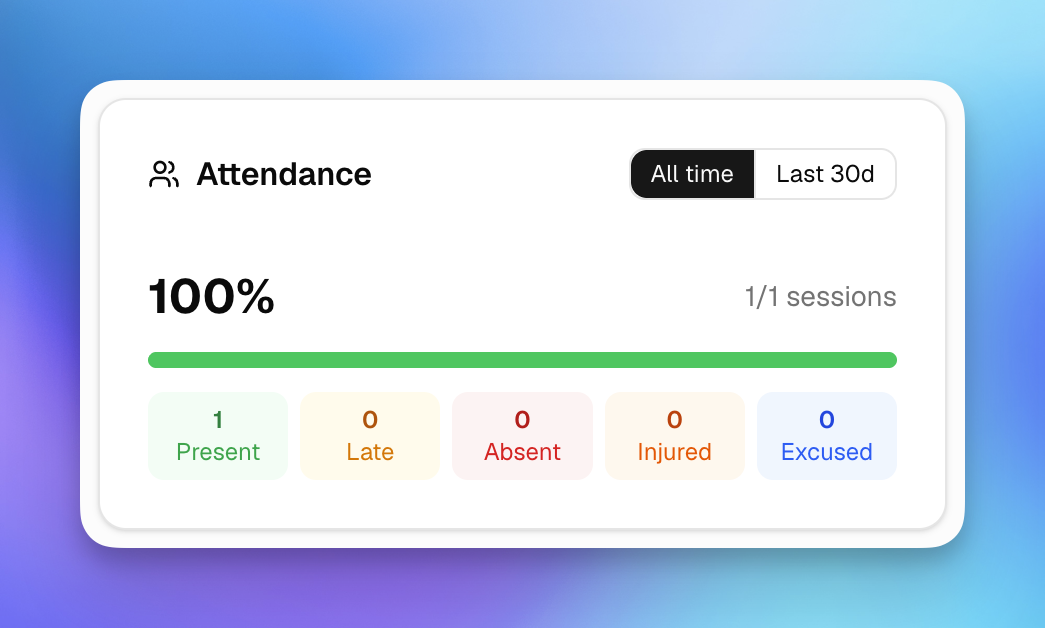
Head to any athlete's profile to see their attendance card with an all-time and last 30 days toggle. The card breaks down their record across all five statuses.
On list pages, you'll find a list-level summary showing the average attendance rate across all members.
AI Coach Integration
The AI coaching assistant has access to attendance data. Ask it about an athlete's participation and it can factor attendance trends into its recommendations — like suggesting modified drills for athletes returning from missed sessions, or flagging athletes whose attendance has dropped recently.
What's Next
We're working on attendance summaries on session cards in the list view, bulk attendance reports, and email notifications when attendance patterns change. If you have ideas for how attendance tracking could work better for your sport, let us know through the in-app coach chat.
Get started for free and try attendance tracking today.
See It in Action
Sign up for free and start using the latest features today. No credit card required.
More from the blog
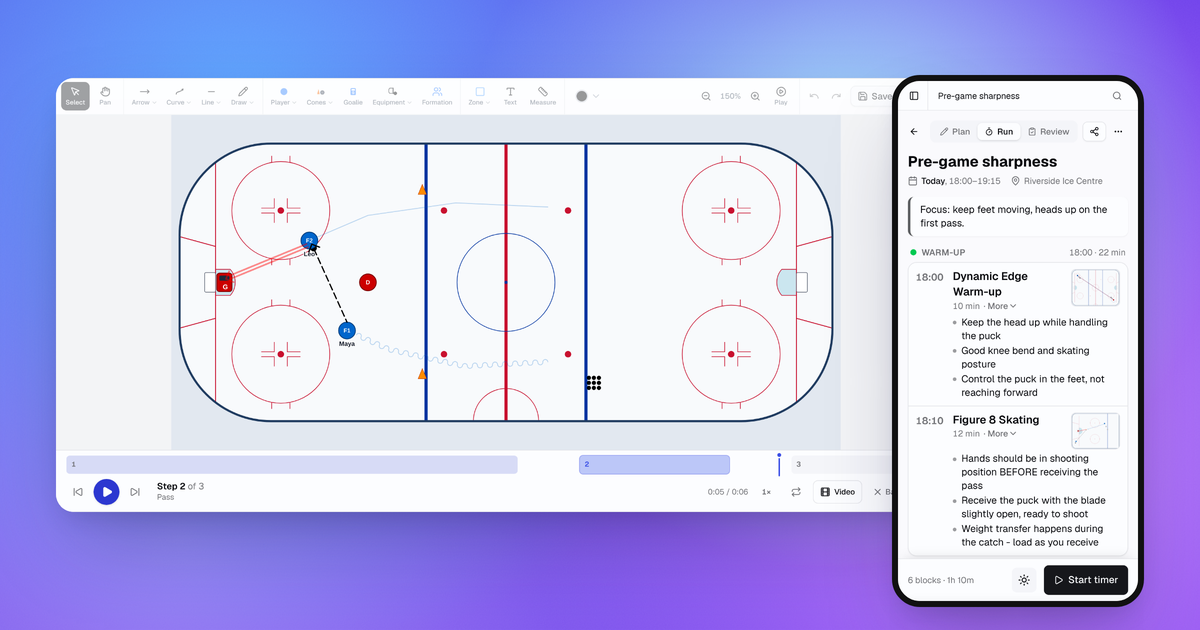
October Update: Drill Playback, Run Mode and Game Day
Drills now play step by step, sessions have a Run mode for your phone, and games, squad import and the AI Coach all got better.
Connect Claude or ChatGPT to Your Coaching Data with the MCP Connector
Planner.coach now supports the Model Context Protocol. Connect Claude, ChatGPT, or Copilot to your sessions, athletes, and calendar — on every plan.
Consent Workflows for Athletes and Guardians
Send onboarding packs to athletes or their guardians, track completion in real time, and start the season with every form signed — no chasing required.