Introducing Public Coach Profiles and Shared Content
Showcase your coaching expertise with a public profile page. Share sessions, drills, and programs with the coaching community.
 Planner.coach Team
What's New
Every coach on Planner.coach can now create a public profile page at planner.coach/coach/your-username. Your profile is a dedicated space to showcase your coaching background, shared content, and expertise — all in one place.
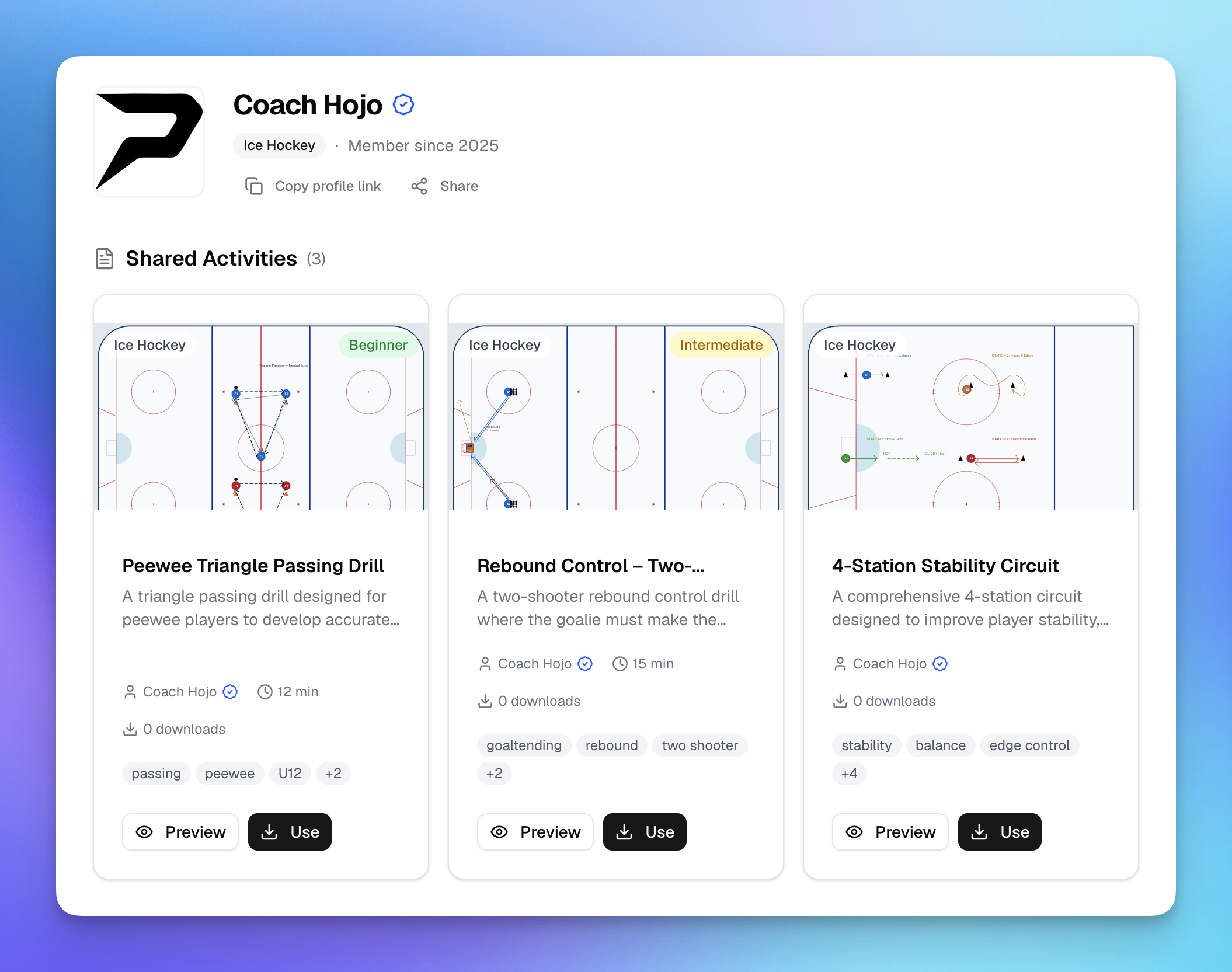
Alongside profiles, we've added visibility controls for shared content. Sessions, drills, and training programs can now be marked as public (visible on your profile) or unlisted (accessible only via direct link). This gives you full control over what appears on your profile and what stays private.
Why It Matters
Coaches pour hours into creating great sessions and drills. Until now, sharing that work meant sending individual links. Public profiles change that by giving you a single, shareable page where other coaches, parents, or club administrators can browse your content library.
Whether you're building your reputation in the coaching community or sharing resources with your club's staff, your profile page is a professional home base for your work.
How to Use It
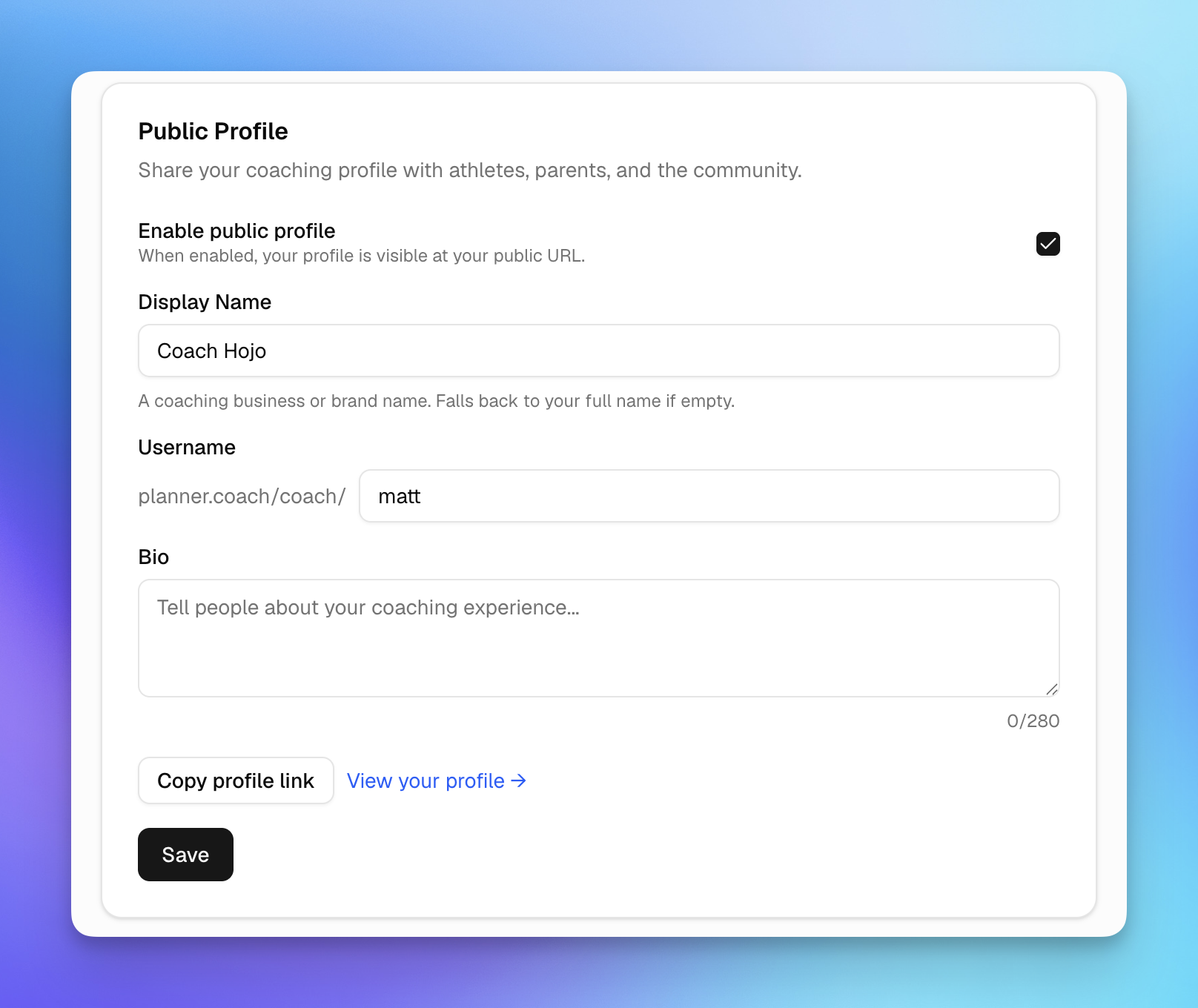
Set Up Your Profile
- Head to Settings in your dashboard
- Choose a unique username — this becomes your profile URL
- Add a display name and a short bio (up to 280 characters)
- Toggle Public Profile on when you're ready to go live
Share Your Content
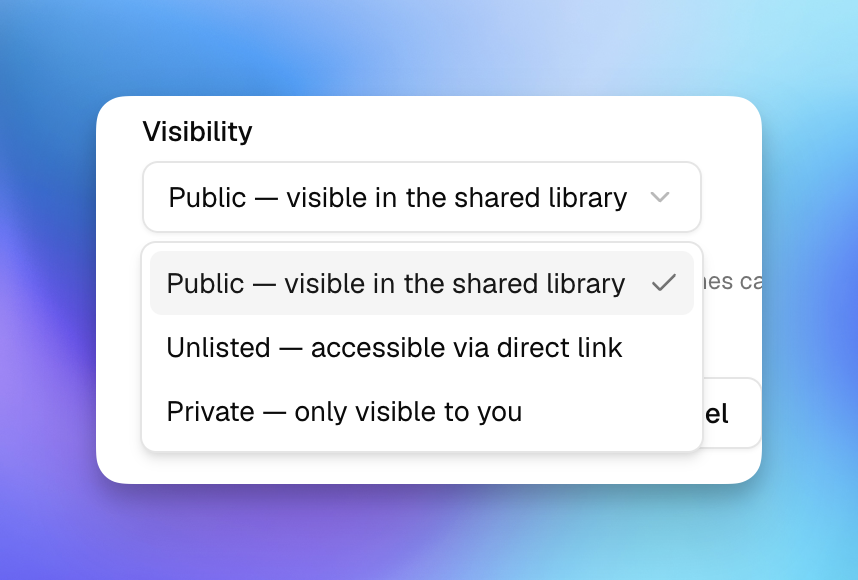
When you share a session, activity, or training program, you'll now see a visibility option:
- Public — appears on your coach profile for anyone to discover
- Unlisted — only accessible to people with the direct link
Your profile page automatically displays all your public shared content, organized by type, along with stats like template imports and total shared items.
Share Your Profile
Once your profile is live, share it anywhere. Your profile page includes quick-share buttons for X, Facebook, WhatsApp, and email — making it easy to spread the word.
Visit your profile at planner.coach/coach/your-username to see how it looks to others.
What's Next
We're just getting started with coach profiles. Expect more ways to connect with the coaching community, discover content from other coaches, and build your coaching brand on Planner.coach.
Have ideas for what you'd like to see? Use the AI coaching assistant to share feedback, or reach out to us directly.
Set up your profile now and start sharing your coaching expertise with the world.
See It in Action
Sign up for free and start using the latest features today. No credit card required.
More from the blog
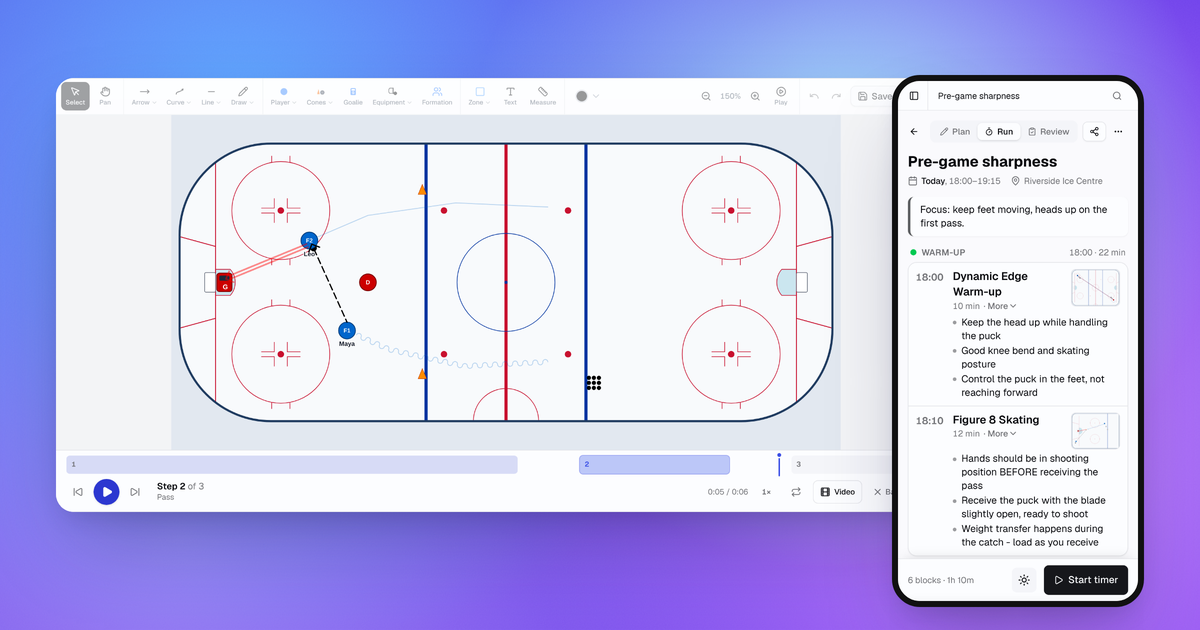
October Update: Drill Playback, Run Mode and Game Day
Drills now play step by step, sessions have a Run mode for your phone, and games, squad import and the AI Coach all got better.
Connect Claude or ChatGPT to Your Coaching Data with the MCP Connector
Planner.coach now supports the Model Context Protocol. Connect Claude, ChatGPT, or Copilot to your sessions, athletes, and calendar — on every plan.
Consent Workflows for Athletes and Guardians
Send onboarding packs to athletes or their guardians, track completion in real time, and start the season with every form signed — no chasing required.